01
Create
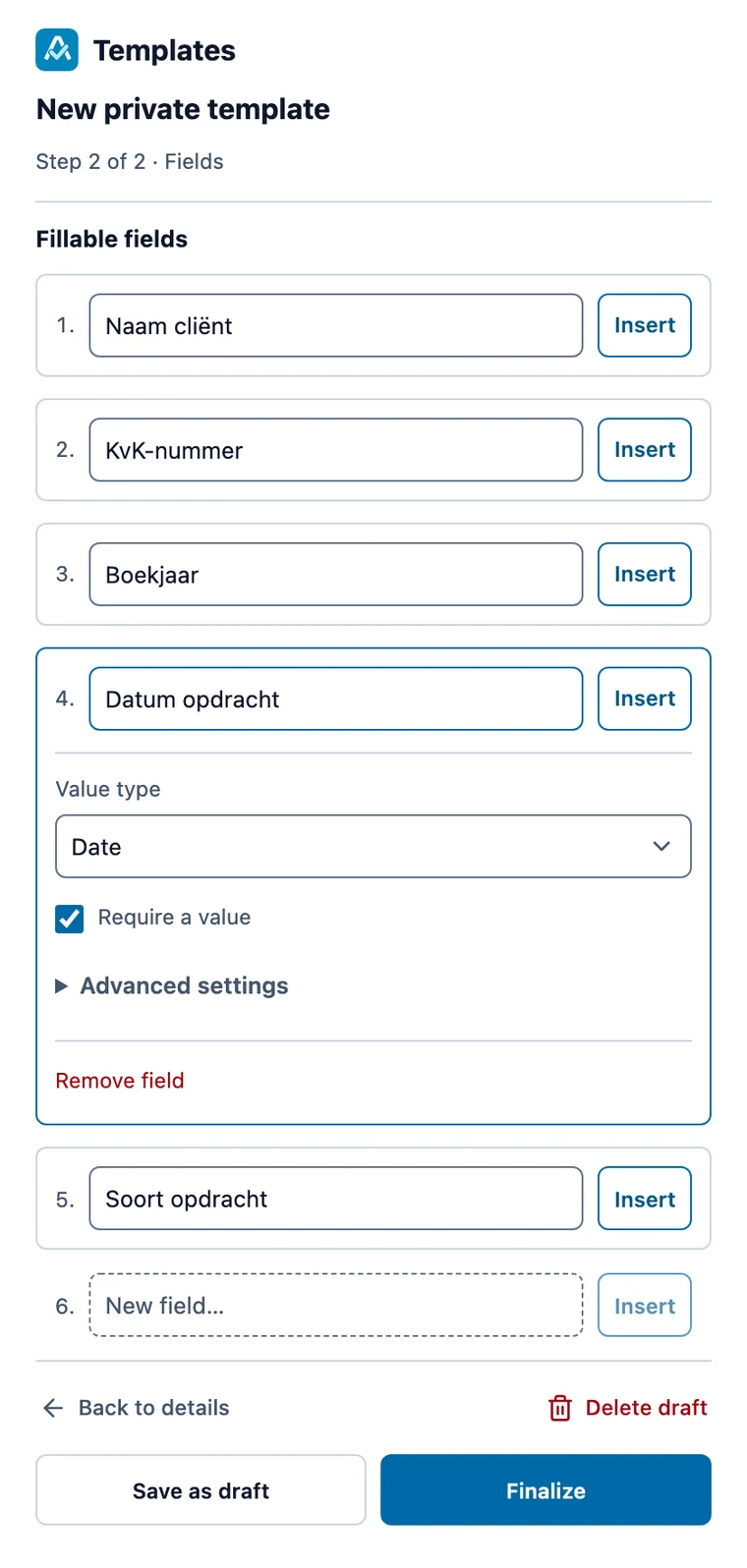
Turn the document you have open into a template, and mark the fields to fill in.
 Attest.IO Templates
Word, Excel and PowerPoint, with fields that fill the document as you type.
Create a template from any document, share it with colleagues and fill it in from a short list of fields. Nobody has to look for the latest version in a shared folder again.
Turn the document you have open into a template, and mark the fields to fill in.
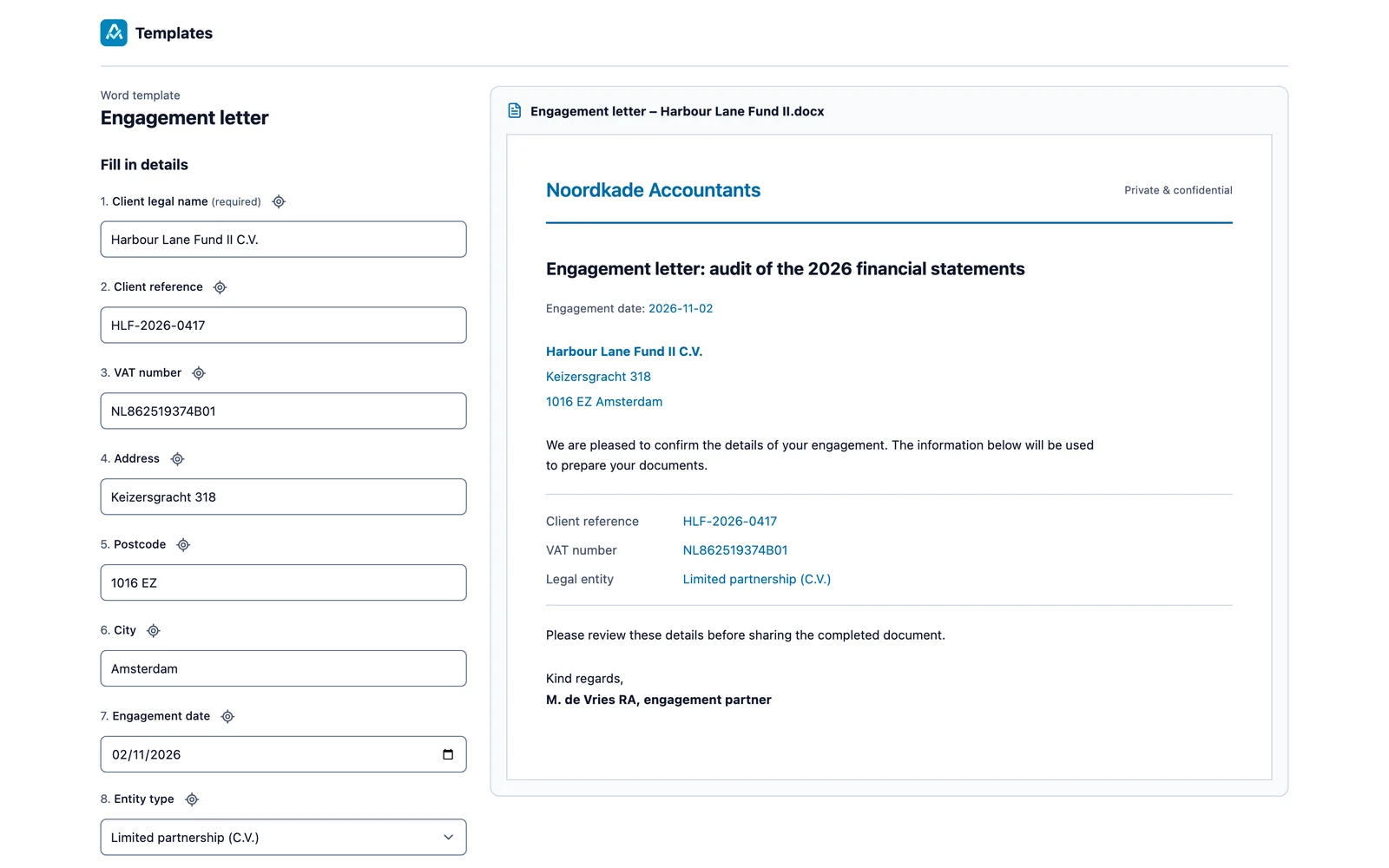
Answer a short list of fields; the document updates as you type.
Share finished templates with colleagues or your whole organisation.
Attest.IO Templates works in a side pane next to your document. These are screens of the add-in with sample content.
Start from the open document, from a file, or from a copy of an existing template. Select text and click Insert to turn it into a numbered field.
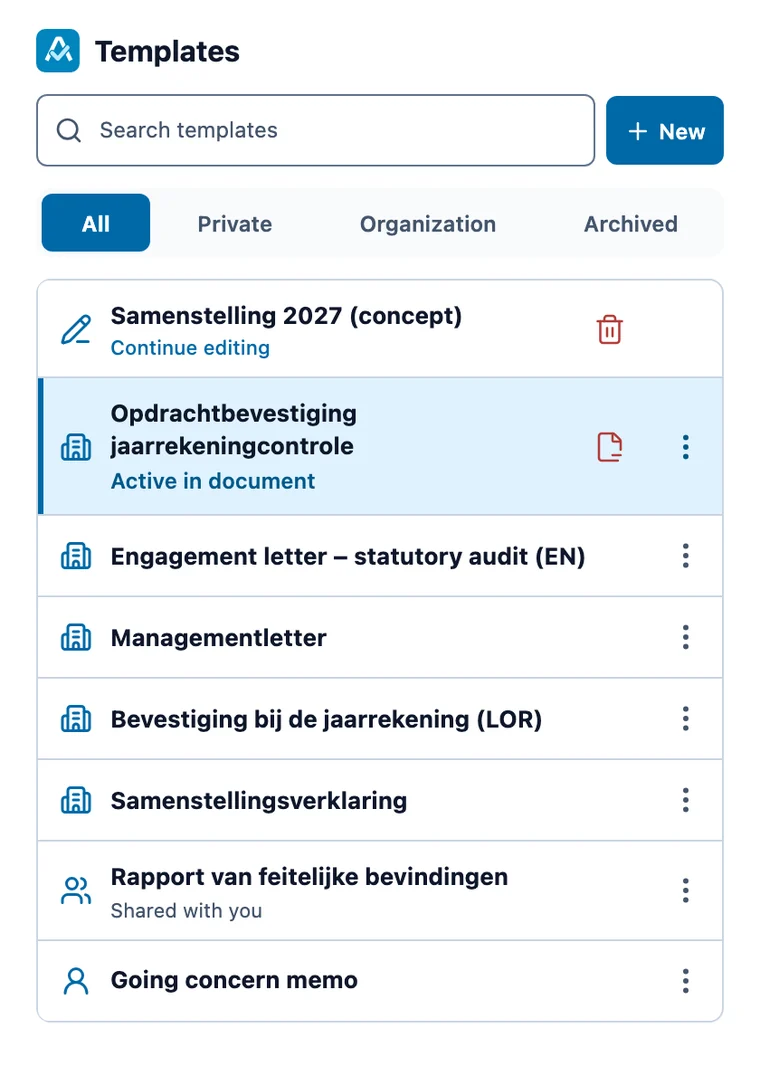
The library shows the templates for the Office app you have open, private or shared with your organisation. Every field updates live in Word, and the answers stay with the document when you save it.
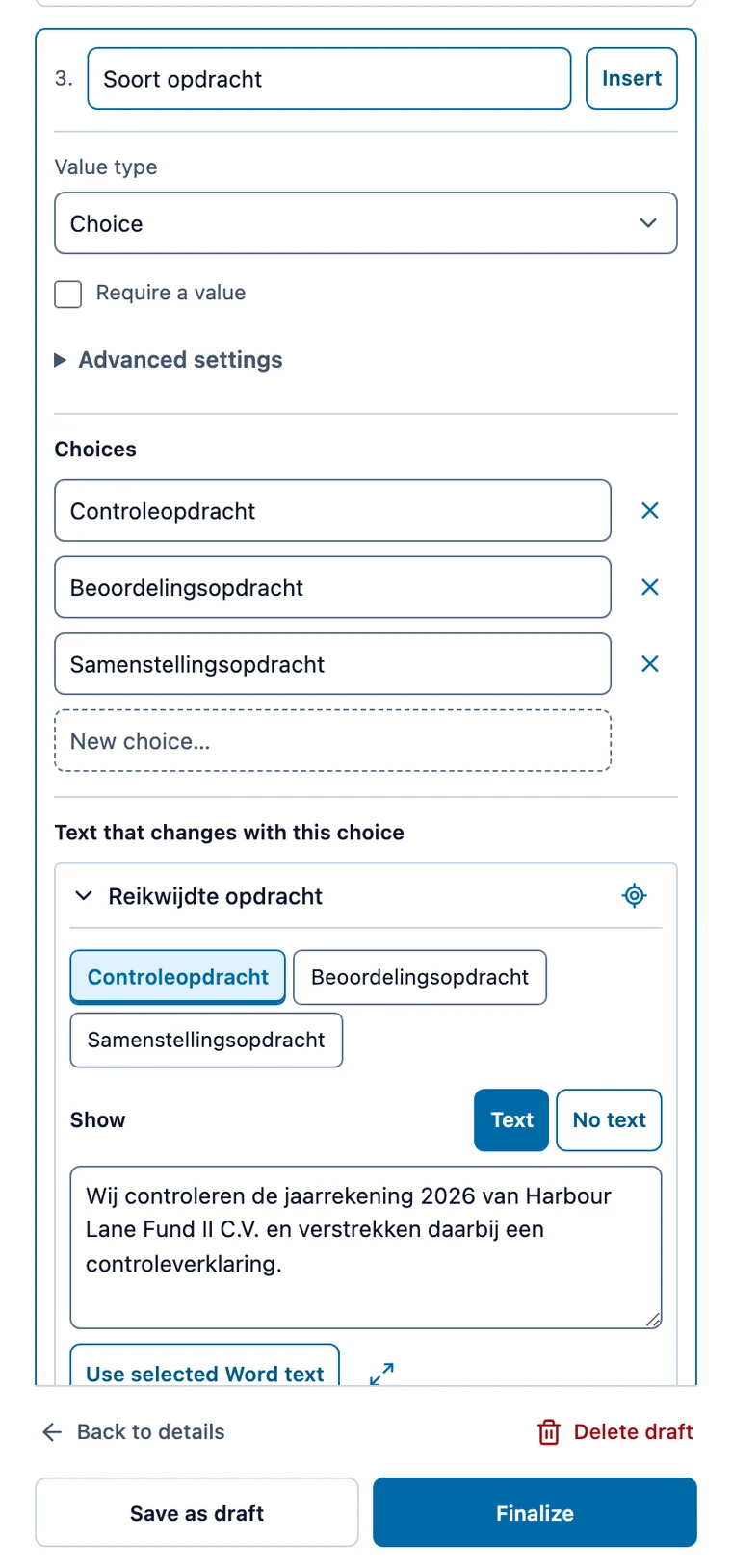
Let one choice control whole passages. Choose an option and the matching wording appears everywhere it is used.
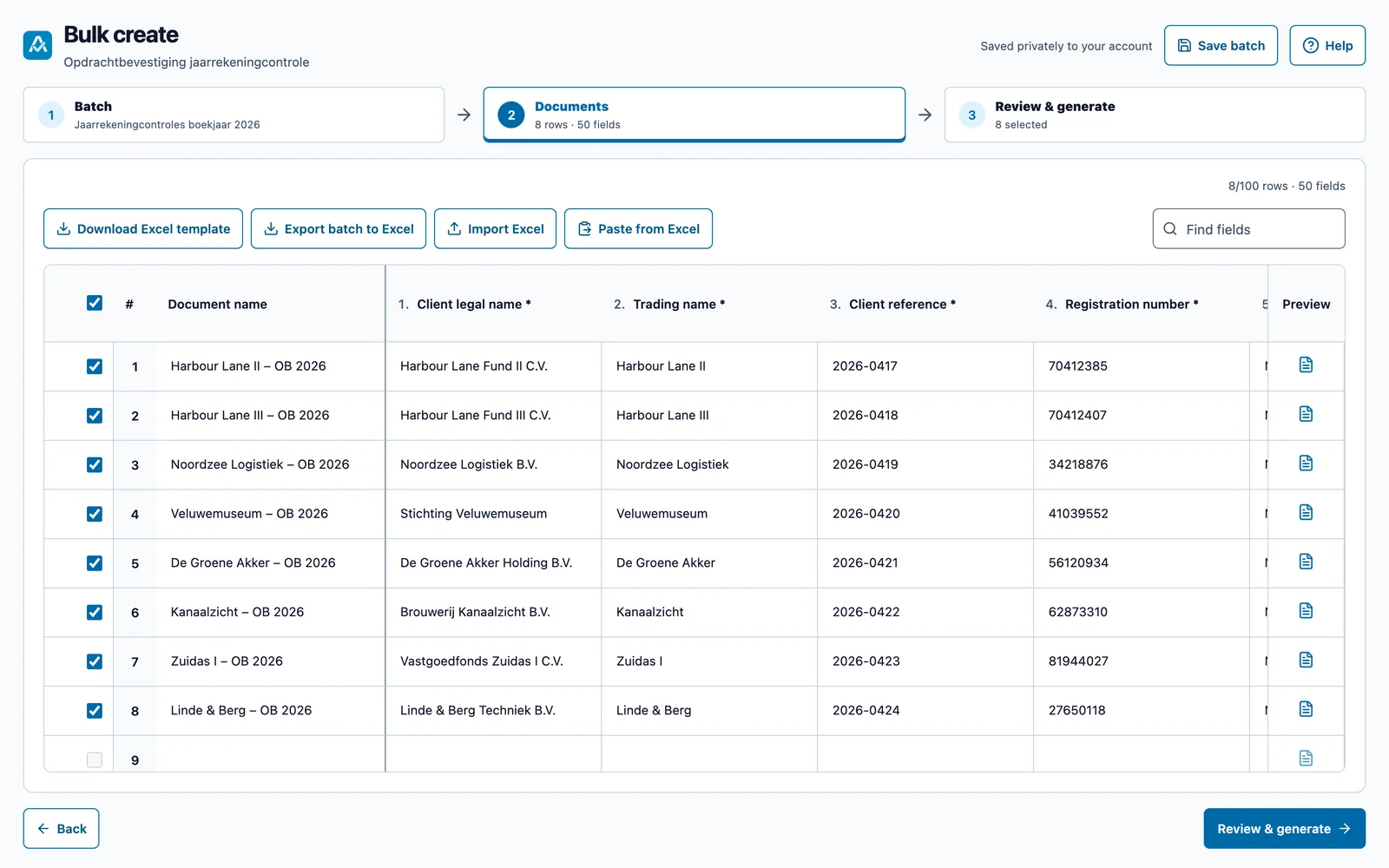
Paste rows from Excel or import a sheet, and create up to 100 Word documents in one go, delivered as a ZIP file.
Reuse text across slides, fill linked text boxes together and include slides based on an answer.
Templates start private. Share them with named colleagues or your whole organisation.
Every finished version is kept; restore an older one when you need it.
Sign in with your work account; colleagues in your organisation join automatically.
Attest.IO Templates is in pilot. Bring a document you fill in again and again, and we set it up as a template together.